Content repurposing
Turn One Webinar Into 20+ Content Pieces (2026)

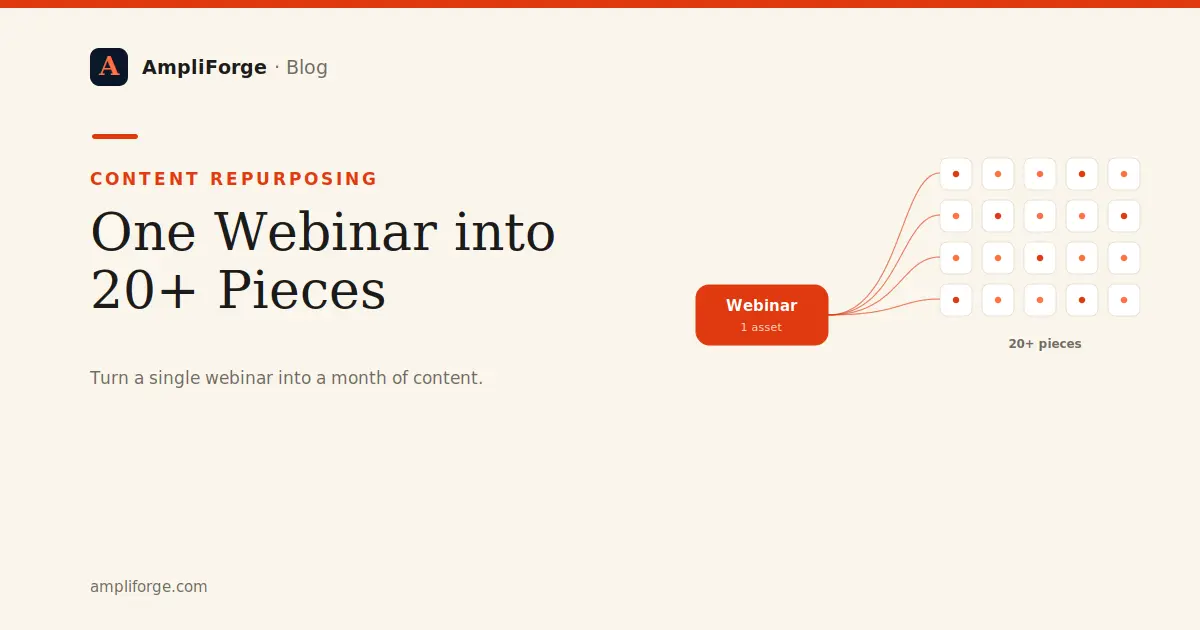
To repurpose webinar content, treat the recording as a source asset and atomize it: extract the transcript, break it into distinct ideas, then reshape each idea for a specific channel. One 45-minute webinar reliably yields 20 or more pieces across articles, social posts, clips, and email.
To repurpose webinar content, treat the recording as a source asset and atomize it: extract the transcript, break it into distinct ideas, then reshape each idea for a specific channel. One 45-minute webinar reliably yields 20 or more pieces across articles, social posts, clips, and email.
Most teams host a webinar, post the replay, and move on. That leaves the majority of the value on the table. A webinar is not one asset; it is a dense pile of ideas, quotes, data points, and objections that your audience already told you they care about, because they showed up. This article gives you a concrete list of what you can create, a step-by-step workflow, and the guardrails that keep everything on-brand and compliant when you scale it.
How many content pieces can you get from one webinar?
A single 45-to-60-minute webinar comfortably produces 20 or more distinct pieces of content. The number is not magic. It comes from the fact that a webinar contains several structural layers you can mine independently: the core argument, the supporting sub-points, the specific examples, the audience questions, the memorable phrases, and the visuals on screen. Each layer maps to a different format and channel.
Here is an explicit list of the pieces you can create from one webinar, grouped by type. Treat it as a checklist, not a mandate. Pick what fits your channels.
Long-form and written assets
- A pillar blog article that captures the full argument of the webinar.
- A shorter how-to article built from one practical section.
- A frequently-asked-questions page assembled from the live Q&A.
- A LinkedIn newsletter edition summarizing the key takeaway.
- A gated PDF or slide download for lead capture.
- A transcript-based SEO page targeting the webinar's core question.
Social posts
- A text hook post stating the single strongest idea.
- A contrarian or myth-busting post from a claim you challenged.
- A step-by-step carousel of the framework you presented.
- A quote card featuring a memorable line from the speaker.
- A short data or stat post from a number you cited.
- A story post retelling one example or customer anecdote.
- A poll post derived from a question the audience debated.
- A behind-the-scenes post on why you ran the webinar.
Video and audio clips
- A 60-second highlight clip of the strongest moment.
- Three to five short vertical clips, one per key point.
- An audiogram of a quotable exchange for audio-first feeds.
- A trailer clip that promotes the full replay.
- A podcast episode using the cleaned audio track.
Email and enablement
- A follow-up email to registrants with the recording and takeaways.
- A three-part nurture sequence, one email per main section.
- A sales one-pager that turns the argument into a talking point.
- An internal enablement note so sales can reference the content in calls.
That is 24 pieces before you have written a single new idea. The webinar already did the thinking; you are changing the packaging.
What is the step-by-step workflow to repurpose a webinar?
The workflow that makes this repeatable follows five stages: source, atomize, voice, distribute, attribute. It is the same repurposing framework you would apply to any long-form asset, and we cover it in depth in our guide to a B2B content repurposing framework.
Step one: source. Record the webinar cleanly and get an accurate transcript. The transcript is your raw material. If the audio is poor, everything downstream suffers, so prioritize a decent microphone over a fancy background.
Step two: atomize. Read or process the transcript and pull out every distinct idea, claim, example, statistic, and audience question. Tag each atom with the point it supports. This is where a Content Operating System earns its keep: instead of a marketer manually scrubbing a 60-minute transcript, the system extracts the atoms and clusters them by theme.
Step three: voice. Reshape each atom into the target format while keeping your brand voice consistent. This is the step that breaks most manual efforts, because a busy team drifts in tone across 24 pieces. Retrieval-augmented generation grounded in your own published material keeps the wording, claims, and positioning on-brand; we explain how in our piece on brand voice, AI, and RAG for content.
Step four: distribute. Schedule the pieces across channels on a deliberate cadence rather than dumping them all in one day. A webinar can feed a LinkedIn presence for weeks; see how to build a LinkedIn cadence from long-form content so the source keeps working long after the live event.
Step five: attribute. Tag every link with a call to action and UTM parameters so you can see which repurposed pieces actually drive pipeline. Without this, you cannot tell a highlight clip that generated demos from one that generated vanity views. Our guide to measuring content ROI with CTA and UTM attribution walks through the setup.
How do you keep 24 pieces on-brand and compliant at scale?
Volume is only useful if quality and compliance hold. Three practices keep a high-output repurposing motion safe.
Ground the voice, do not improvise it. When you generate two dozen pieces, small tone drifts compound into an inconsistent brand. Anchoring generation to your existing content, rather than to a generic model's default register, keeps every clip caption and quote card sounding like you.
Redact personal data before any third-party AI call. Webinar transcripts often contain attendee names, questions, and company details. The privacy-safe pattern is to strip personally identifiable information before the text reaches any external AI service. AmpliForge redacts PII on every third-party AI call by design; the point is that repurposing at scale should never mean quietly shipping attendee data to an external model. For teams in regulated markets, EU data residency and an Art. 28 GDPR data processing agreement matter here too.
Label AI-assisted content where required. Under the EU AI Act, certain AI-generated or AI-manipulated content carries transparency obligations. Building labeling into your workflow now avoids retrofitting it later.
| Manual repurposing | Content Operating System |
|---|---|
| One marketer scrubs the transcript by hand | Atoms extracted and clustered automatically |
| Tone drifts across 24 pieces | Voice grounded in your published material |
| Transcript pasted into public AI tools | PII redacted before every external AI call |
| No line of sight from clip to pipeline | CTA and UTM attribution on every link |
Where should you start?
Start with your next webinar, or the best one already sitting in your archive. Run it through the five stages once, ship even ten of the pieces above, and measure which ones move pipeline. The goal is not to produce content for its own sake; it is to make every source asset earn weeks of distribution instead of a single replay link. A content supply chain exists to do exactly that: one source in, weeks of on-brand, attributable content out. When you are ready to compare that approach with stitching together point tools, our comparison page lays out the trade-offs.
Frequently asked questions
Is it GDPR-compliant to run webinar transcripts through AI to repurpose them?
It can be, if personally identifiable information is redacted before the transcript reaches any third-party AI service. Attendee names, questions, and company details should be stripped first. EU data residency and an Art. 28 GDPR data processing agreement further reduce risk. AmpliForge redacts PII on every external AI call by design.
How many content pieces can you get from one webinar?
A single 45-to-60-minute webinar reliably produces 20 or more distinct pieces: a pillar article, an FAQ page, several social posts and carousels, quote cards, short vertical clips, an audiogram, a podcast episode, and follow-up and nurture emails. The exact number depends on how many channels you actively publish to.
How do I turn one webinar into multiple pieces without a big content team?
Follow five steps: source a clean transcript, atomize it into distinct ideas, reshape each idea into a channel-specific piece in your brand voice, distribute on a deliberate cadence, and attribute results with CTA and UTM tags. A Content Operating System automates the atomizing and voice steps so a small team can sustain the output.
Ralf Paschen
Founder, AmpliForge GmbH
Ralf Paschen is the founder of AmpliForge GmbH, the software company behind the AmpliForge platform. During three CMO appointments across enterprise B2B SaaS organizations, he encountered the same recurring problem: strong content was created once and then left underused, repeatedly rebuilt from scratch rather than repurposed across channels and formats. That gap became the founding premise for AmpliForge. Before founding the company, Ralf spent more than 20 years in enterprise software go-to-market roles across the US, EMEA, and DACH markets, including senior positions at Broadcom, CA Technologies, Automic, and Novell. His track record includes 25% revenue growth and 30% pipeline growth at Broadcom, 60% of marketing-sourced pipeline at xtype, and an earlier 300% increase in lead generation at an enterprise software business. Ralf holds an MIT Professional Education certification in Designing and Building AI Products and Services, which informs AmpliForge's approach to applying artificial intelligence to content repurposing at scale. He is the author of Stop Prompting, available on Amazon.